What are Templates?
It is well known that a help system consists of a set of topics. As in most cases all topics should have a uniform layout, the person in charge of documentation development faces the challenge of creating or modifying the current formatting in all parts of the documentation. Starting with the 3rd version of the program HelpSmith acquired an adequate support for templates.
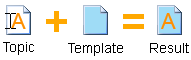
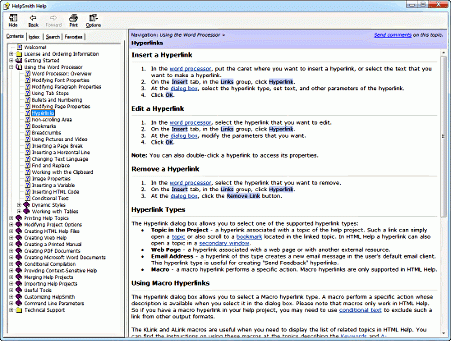
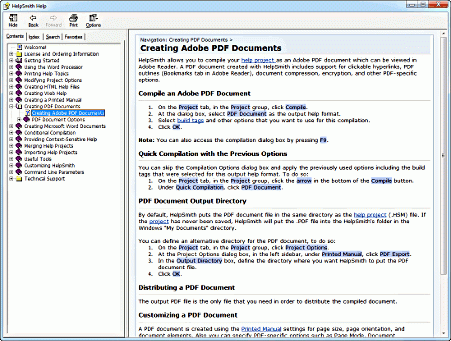
Templates in HelpSmith are the documents containing common layout for topics, which can be applied to a single topic or to all of them at once. Just as topics, templates can include text variables, breadcrumbs, Non-scrolling Area, and any other objects. Assembly of templates with topics takes place when the project is compiled into HTML Help CHM, Web Help, and other formats. Different templates can be used in one project for each of the documentation formats supported by HelpSmith.
How to Use Templates
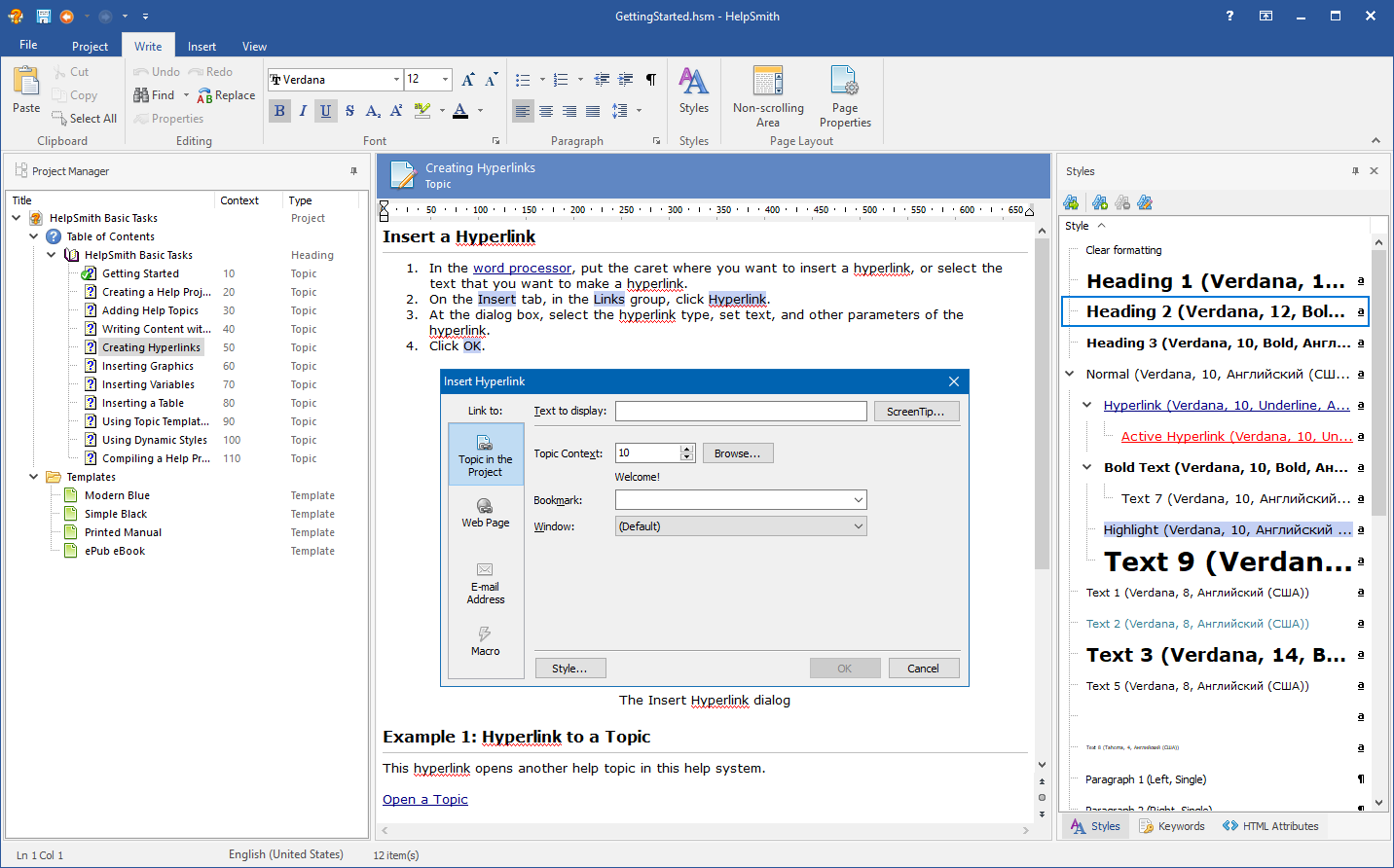
To create a template, on the Project tab, in the Topics & Templates group, click Add. In the window that appears, you can choose one of the default templates, as well as to create a blank template for further editing.
If you created a blank template, do not forget to reserve some place in it for HelpSmith to include the content of the topics when compiling the project. It can be achieved by inserting a special placeholder - Topic Content Placeholder - into the template: on the Insert tab, in the Placeholders group, click Topic Content.
To define a default template for a particular documentation format such as Web Help, right-click your template in the Project Manager tree and then mark the Use As|Default Web Help Template item in the popup menu.
It must be noted that each topic in a HelpSmith project has individual settings for working with templates. Click the Templates button in the properties of a chosen topic, where the relevant properties can be defined.